What Are Components in Elementor v4?
Components are reusable, design-system–based building blocks in Elementor v4. Instead of recreating the same sections, styles, or UI elements again and again, Components allow you to define them once and reuse them consistently across your website.
How Components Work in Elementor v4
At a high level, Components allow you to:
- Create a reusable design block
- Define its structure and styles
- Reuse it across pages
- Update it once and reflect changes everywhere
Components are not just visual copies. They’re linked elements that maintain consistency while still allowing controlled flexibility where needed
This makes them ideal for:
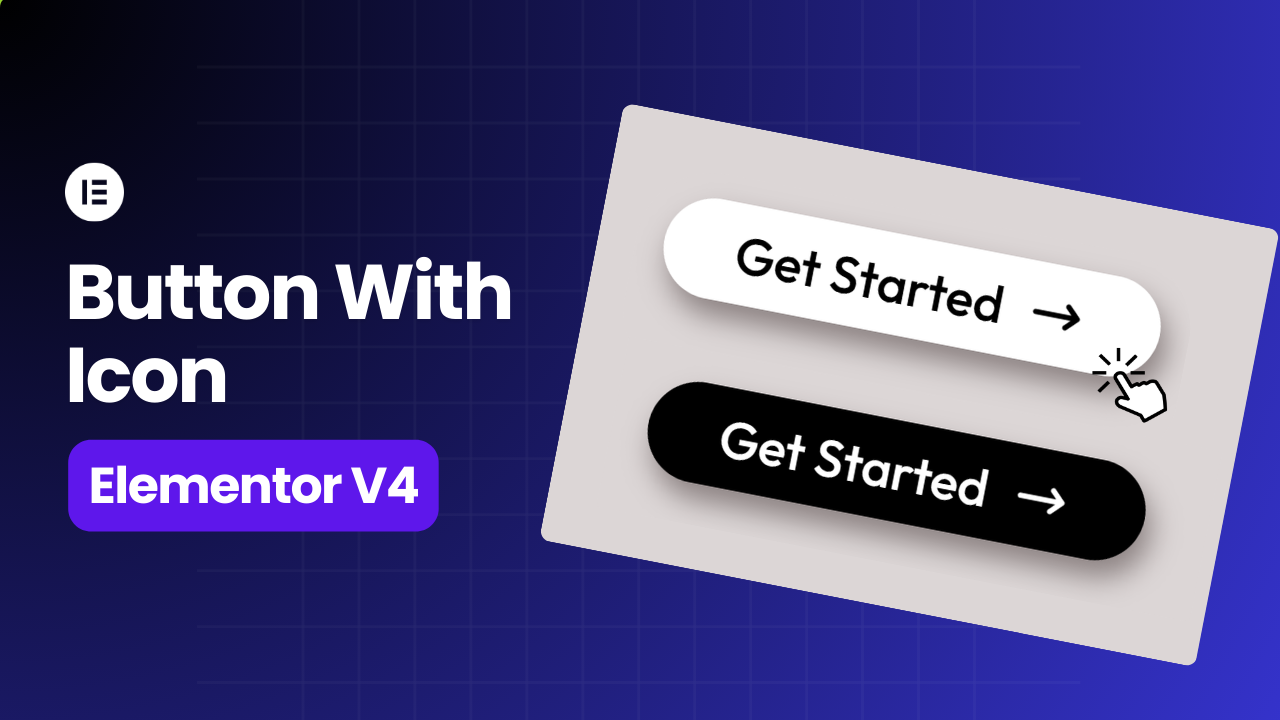
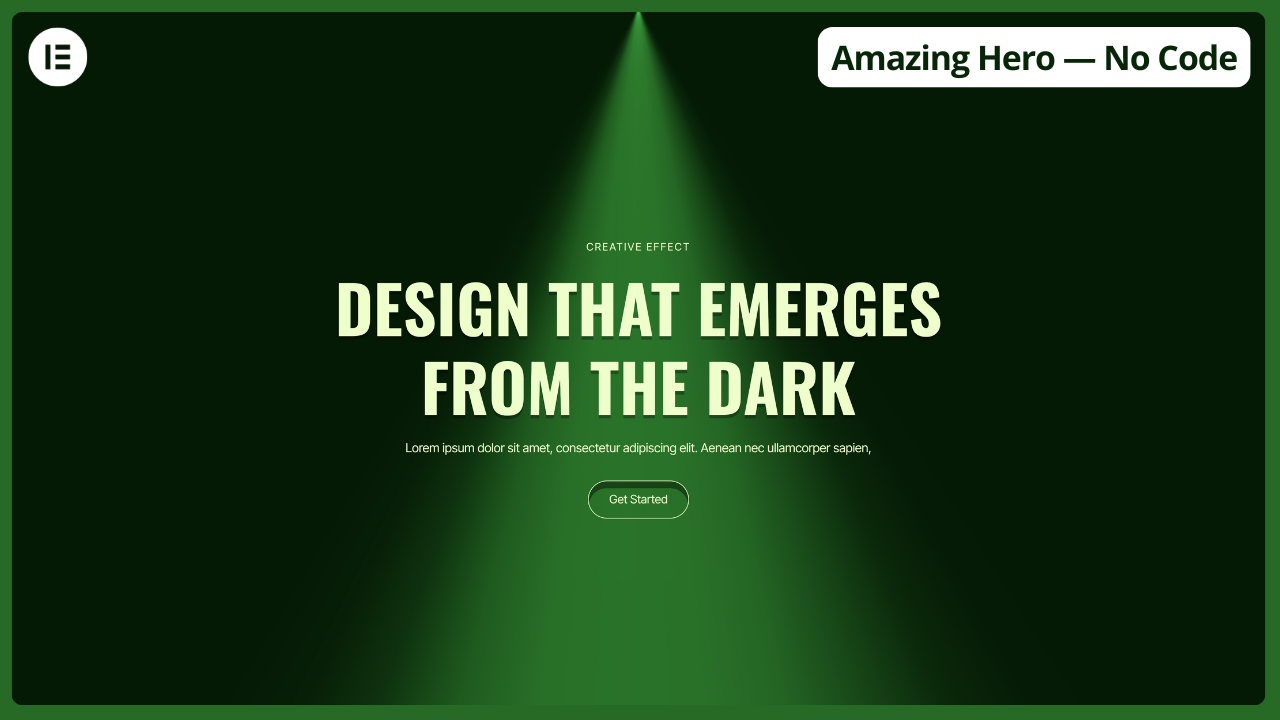
- Call-to-action sections
- Feature lists
- Pricing blocks
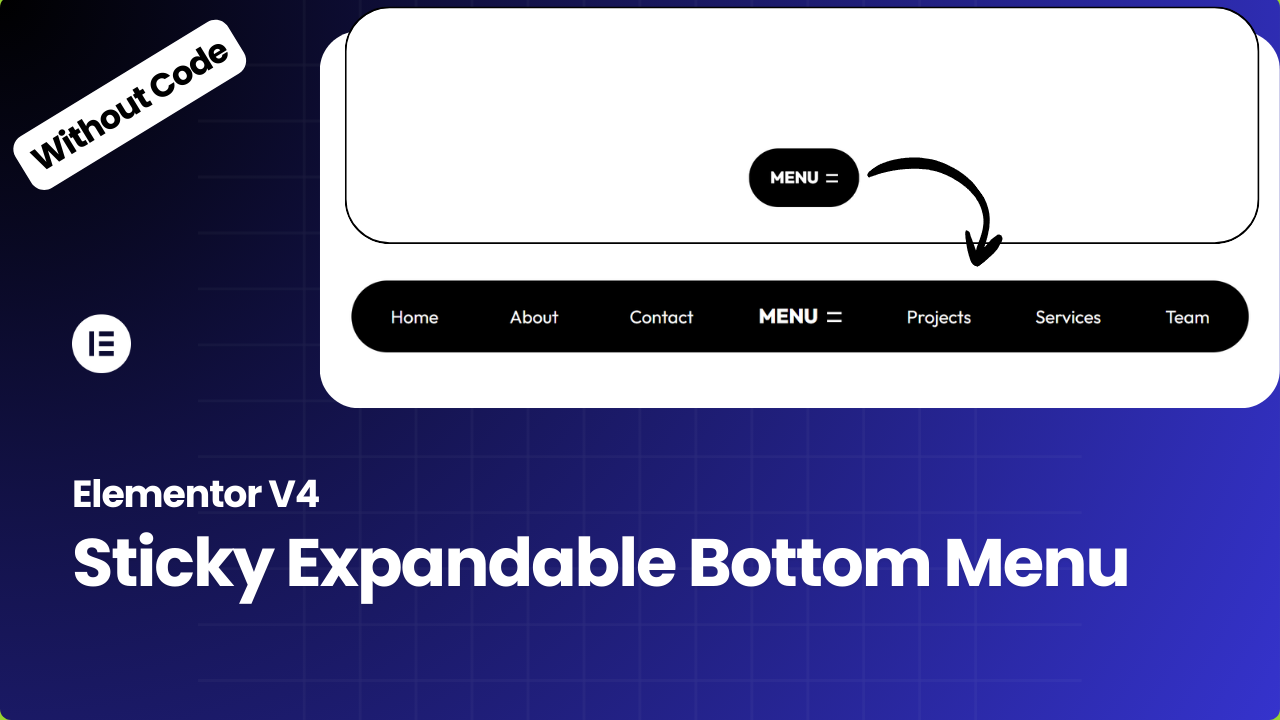
- Repeating UI patterns
How to Create and Use Components in Elementor v4
The basic workflow looks like this:
- Build a section or layout as you normally would
- Convert it into a Component by right click on it
- Created Component will added to Components list
- Insert it anywhere on your site
Once a Component is placed:
- Changes can sync globally
- Design stays consistent
- Updates are faster and safer
This approach dramatically reduces repetitive work and design drift.
Conclusion
Elementor v4 Components represent a major shift in how websites are built with Elementor. They move the platform closer to modern, scalable, design-system–driven workflows.
If you’re serious about building faster, cleaner, and more maintainable websites, learning Components is not optional — it’s essential.
Make sure to watch the full video walkthrough to see Components in action and understand how to use them correctly.