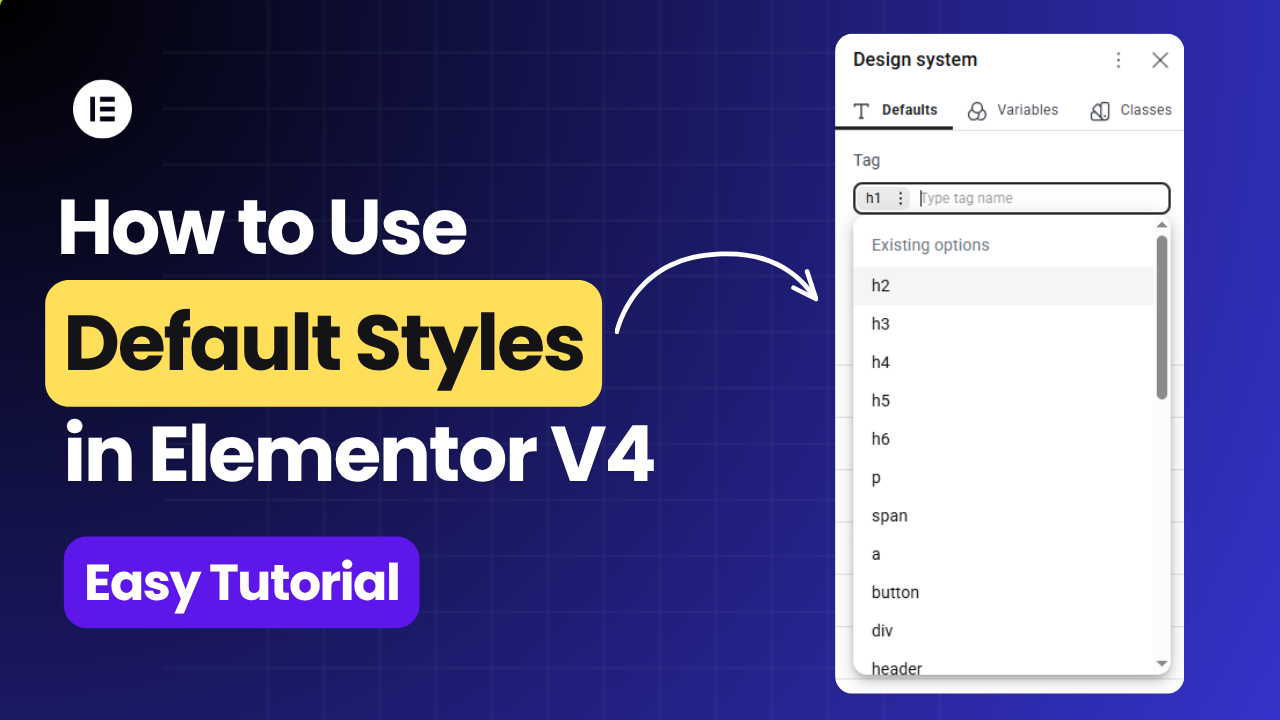
Elementor V4 introduces Default Styles for Atomic Elements, giving you a centralized way to define how HTML tags should look across your website.
Instead of styling every Atomic Element individually, you can define a baseline style for an HTML tag — such as h1, p, button, or div — from the Design System → Defaults panel.
You can also watch the complete video tutorial:
What Are Default Styles in Elementor V4?
Default Styles are part of the Elementor V4 Design System.
They allow you to create global, tag-based styling rules for Atomic Elements.
For example, you could define h1, h2, h3, h4, h5, h6, button, div, section etc.
The important point is that these styles are associated with the HTML tag, rather than being a style attached to one particular element.
Where to Find Default Styles
To access Default Styles:
- Open an Elementor V4 page .
- Open the Design System panel.
- Select the Defaults tab.
- Use the Tag field to select or enter an HTML tag.
- Configure the available styling options.
- Save the changes.
How Style Priority Works in Elementor V4
Understanding the priority between fallback styles, Default Styles, Classes/Variables, and individual element styling helps you know exactly which style will take precedence.
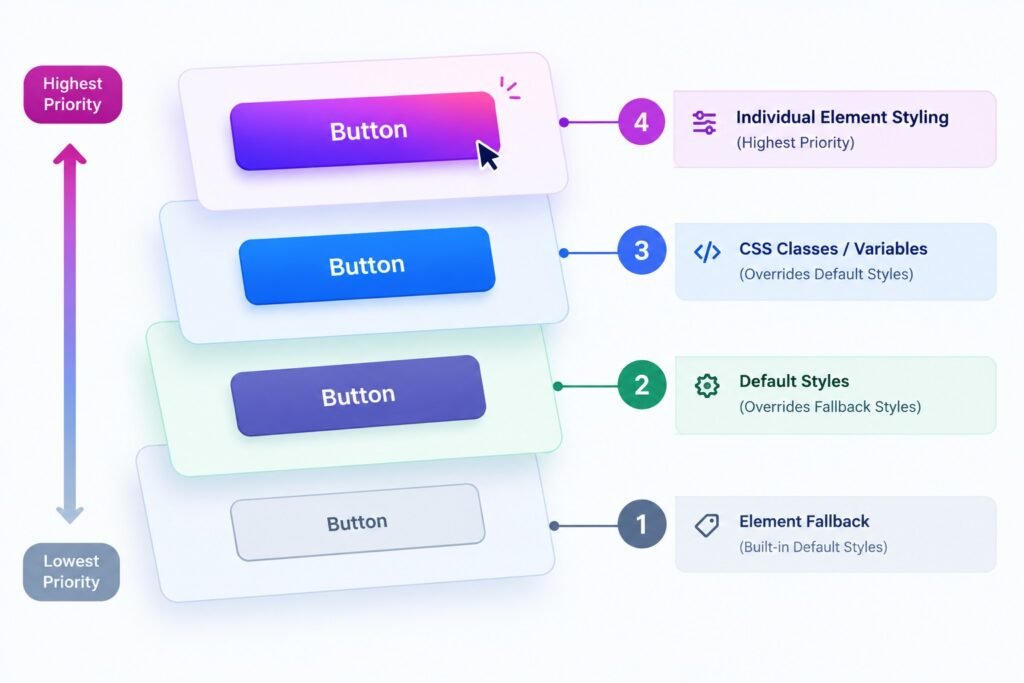
The hierarchy can be understood from lowest to highest priority:
- Element Fallback — Elementor's built-in fallback styling.
- Default Styles — styles defined for an HTML tag in the Design System.
- CSS Classes / Variables — reusable styling applied to the element.
- Individual Element Styling — direct styling applied to that specific element.
Final Thoughts
Elementor V4 Default Styles are a useful addition to the Atomic Editor because they let you control HTML tag-level styling from the Design System.
Rather than manually styling every Atomic Element, you can establish a baseline for tags such as h1, p, button, div, section, article, and many others.
The key is understanding that Default Styles are the foundation, while Classes, Variables and individual styling provide additional layers of customization.